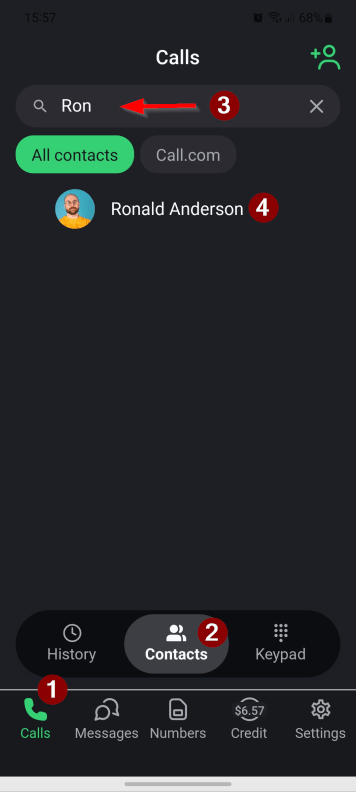
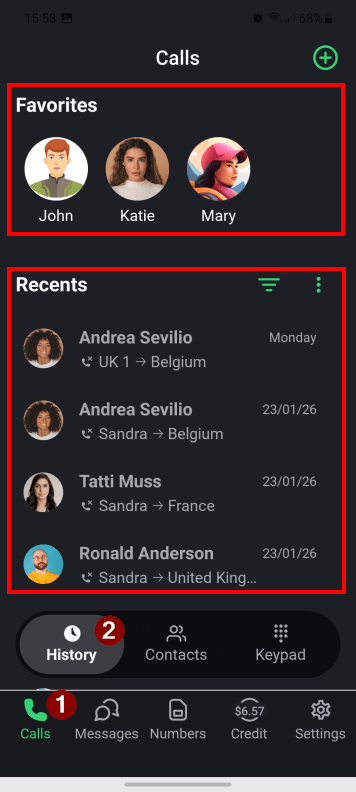
1. To make a call to someone who is in your contacts list, tap the “Call” button on the bottom home screen and then the “Contacts” button on the quick access screen. For easier navigation, use the “Search” field. Tap the contact you wish to call.
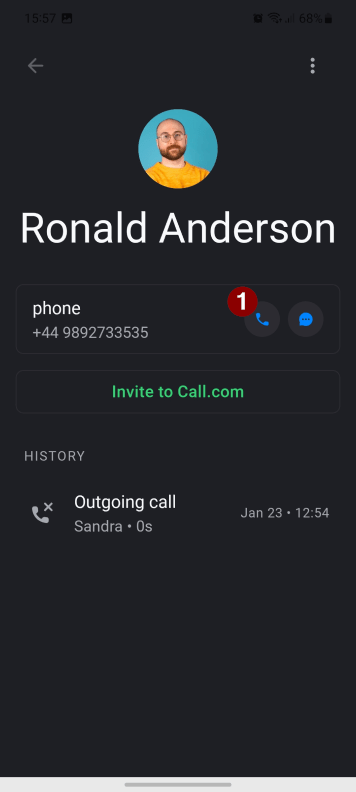
2. Tap the “Call” button.
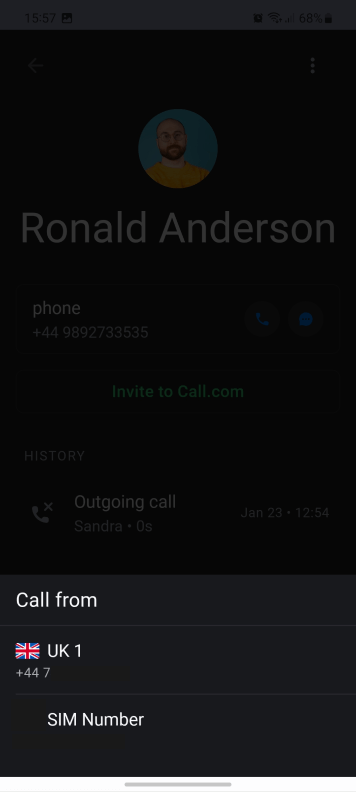
3. Select from which number the call will be made.
4. Another way to start a call: tap the “Calls” button on the bottom home screen and then the “History” button on the quick access screen. From this view, you can quickly make a call to your favourites or call back someone from your recent calls.
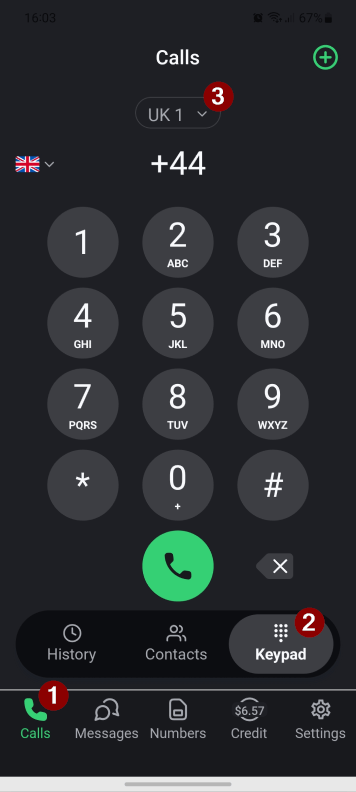
5. To call a landline or mobile phone number, which is not in your contacts list, tap the “Calls” button on the bottom home screen and then the “Keypad” button on the quick access screen. Select which number you will be calling from by tapping the selector.
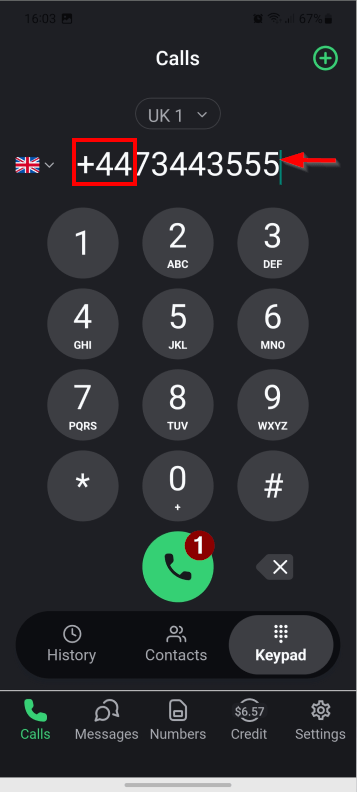
6 . Dial the recipient’s number. If you are calling a number that is in a different country from your own SIM number, then make sure to dial internationally, e.g., +1… or 001… for the US, or +44… or 0044… for the UK, etc. Tap the “Call” button.
Note: you need to purchase some prepaid credit to call landline and mobile numbers.
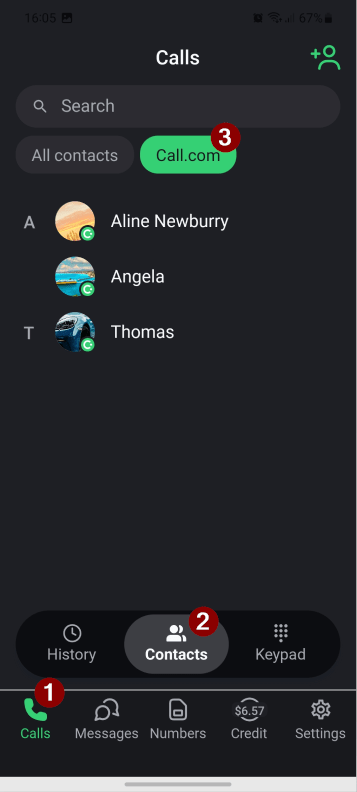
7. To make a free app call to another Call.com user, tap the “Calls” button on the bottom home screen and then the “Contacts” button on the quick access screen. Switch to the Call.com tab. Tap the Call.com contact you wish to call.
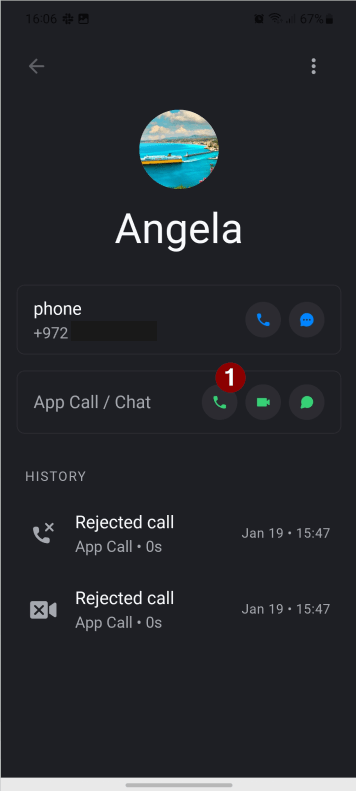
8. Tap the green “Call” button next to the “App Call/Chat”.