You can send messages to landline and mobile numbers at our rates.
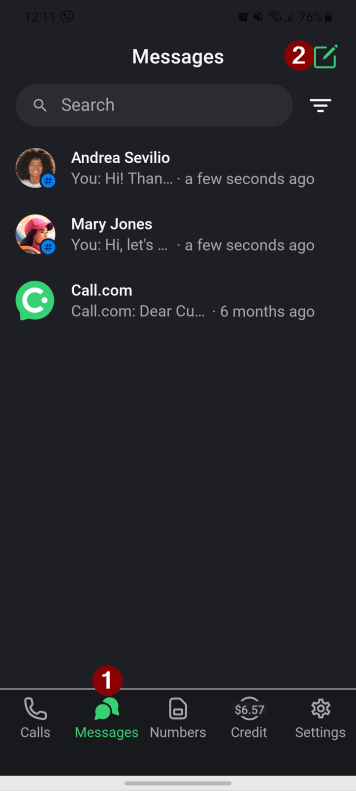
1. Tap the “Message” button on the bottom home screen and then the “New message” button in the top right.
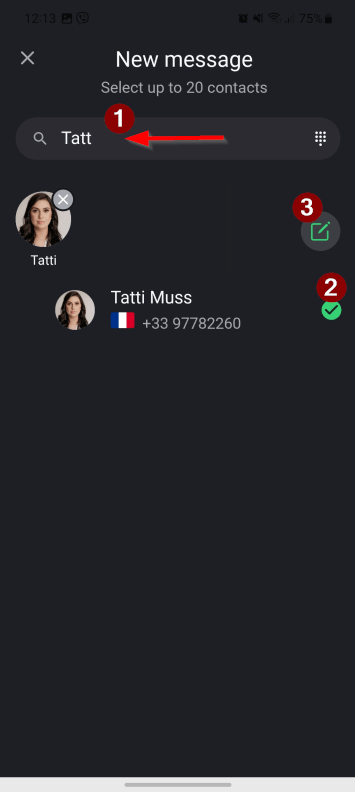
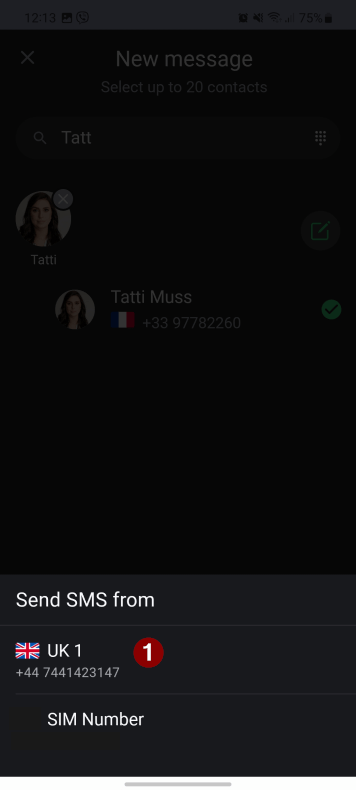
2. If you are messaging a person who is in your contacts list, use the “Search” field to quickly find a contact in the list. Select the contact you want to send an SMS to, and click the “New message” button.
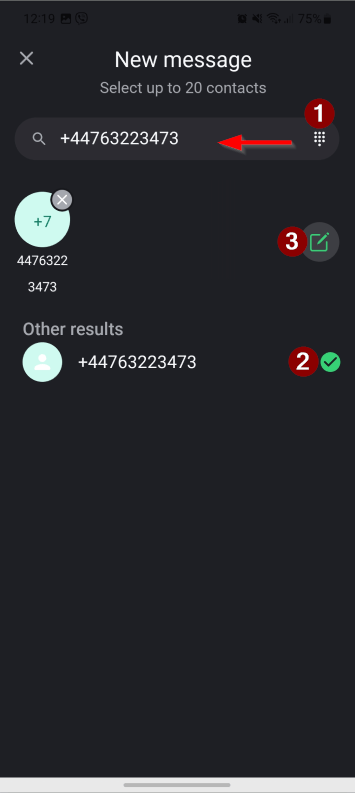
3. If the person is not in your contacts list, tap the “Keypad” button and enter the number in the international format. Tick the number under the “Other results” and then the “New message” button.
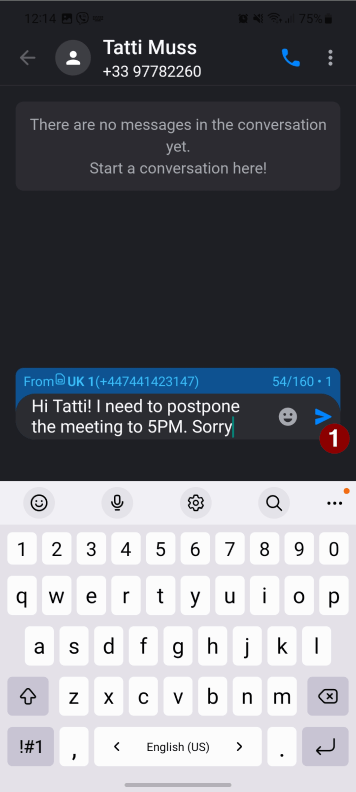
4. Select the number from which you want to send the SMS.
5. Type your message and tap the “Send” button.