
1 .Tap the “Numbers” button on the bottom home screen, and then the “Buy new number” button.
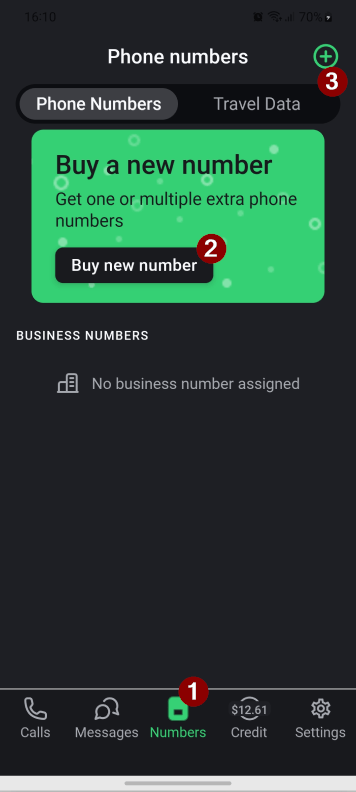
Tip: When you have purchased numbers, you will need to click the “+” button in the top right.
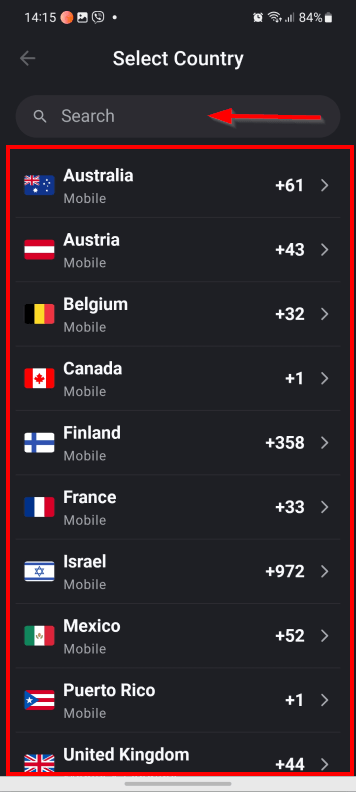
2. Select the country. For easier navigation, you can use the “Search field”.
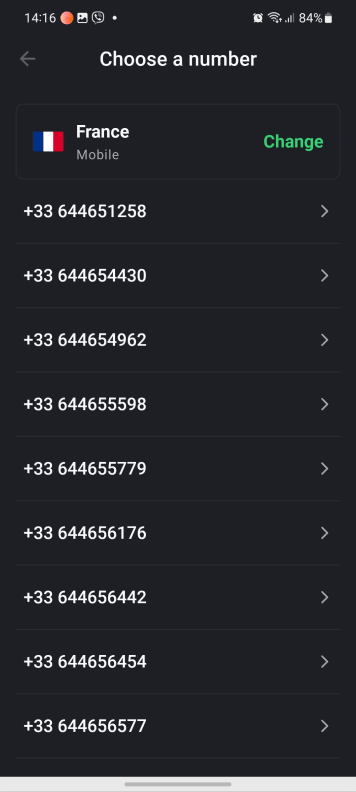
3.Select the number from the list.
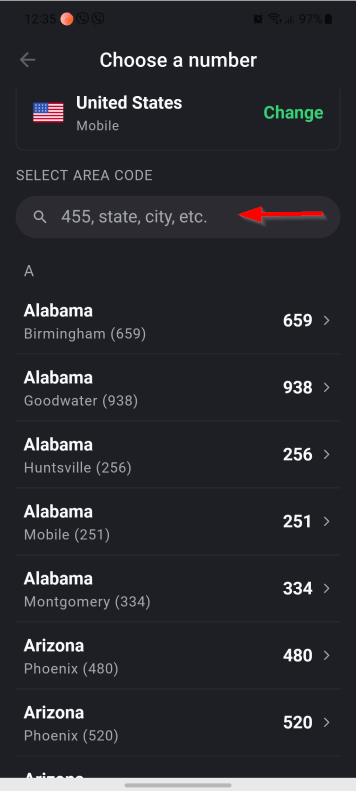
4 . For US and Canadian numbers, you can additionally select an area and city code from the list. For easier navigation, you can use the “Search field”
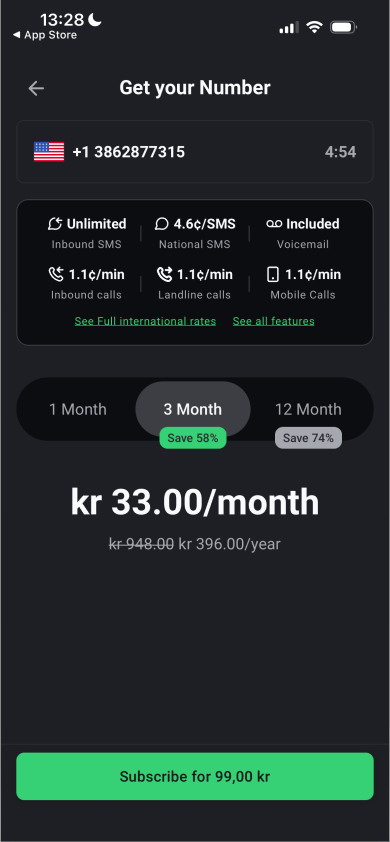
5. Select the subscription duration and tap the “Subscribe” button
6. For US numbers, mark the checkbox next to “I have read and accept” on the warning that US numbers may not work for WhatsApp or PayPal. Tap the “Confirm” button.