
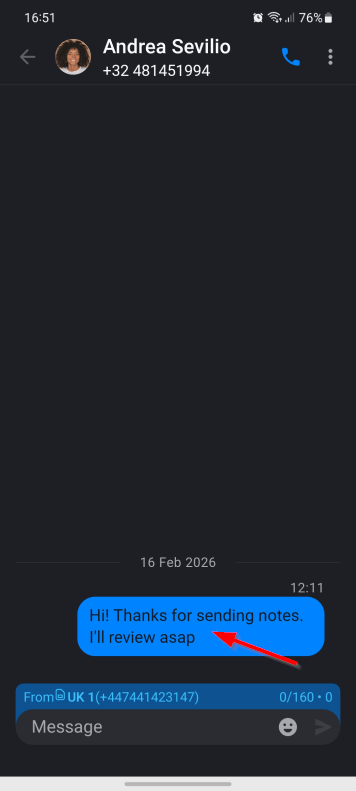
1. Tap and hold the message.
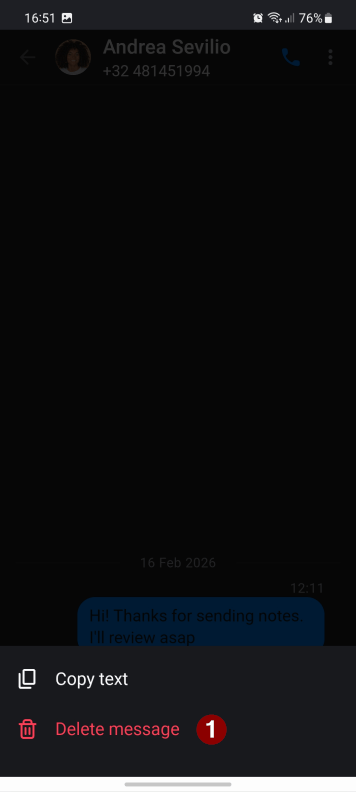
2. Select the “Delete” option.
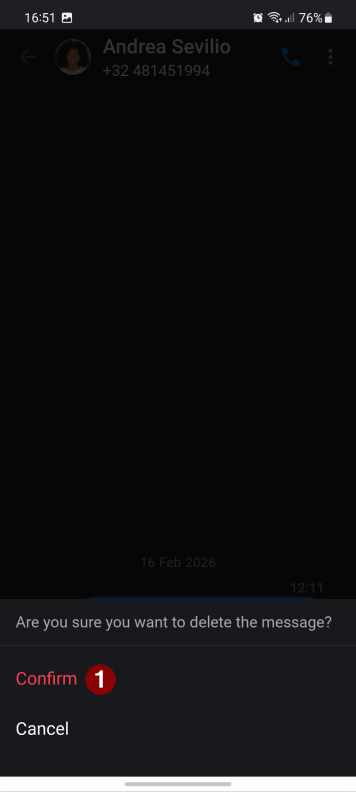
3. Tap the “Confirm” button to confirm deletion.
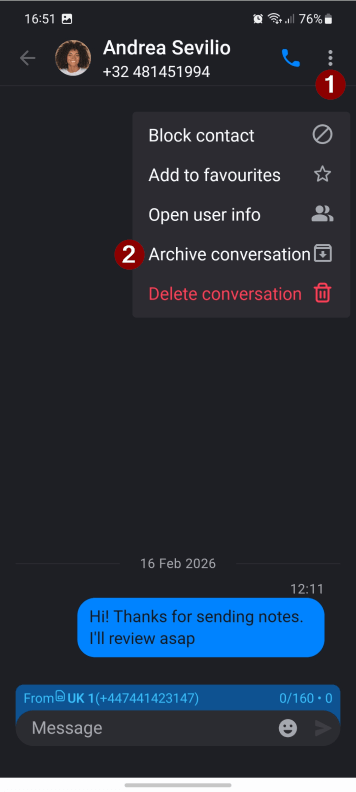
4. Additionally, you can archive the message. It will hide the conversation from your list. Tap the “Menu” button and select the “Archive conversation” option.
5. To restore the archived conversation, you need to send a message to the same contact.